

 As your network grows, you can move to a bigger plan yourself from the dashboard, with no support ticket needed.
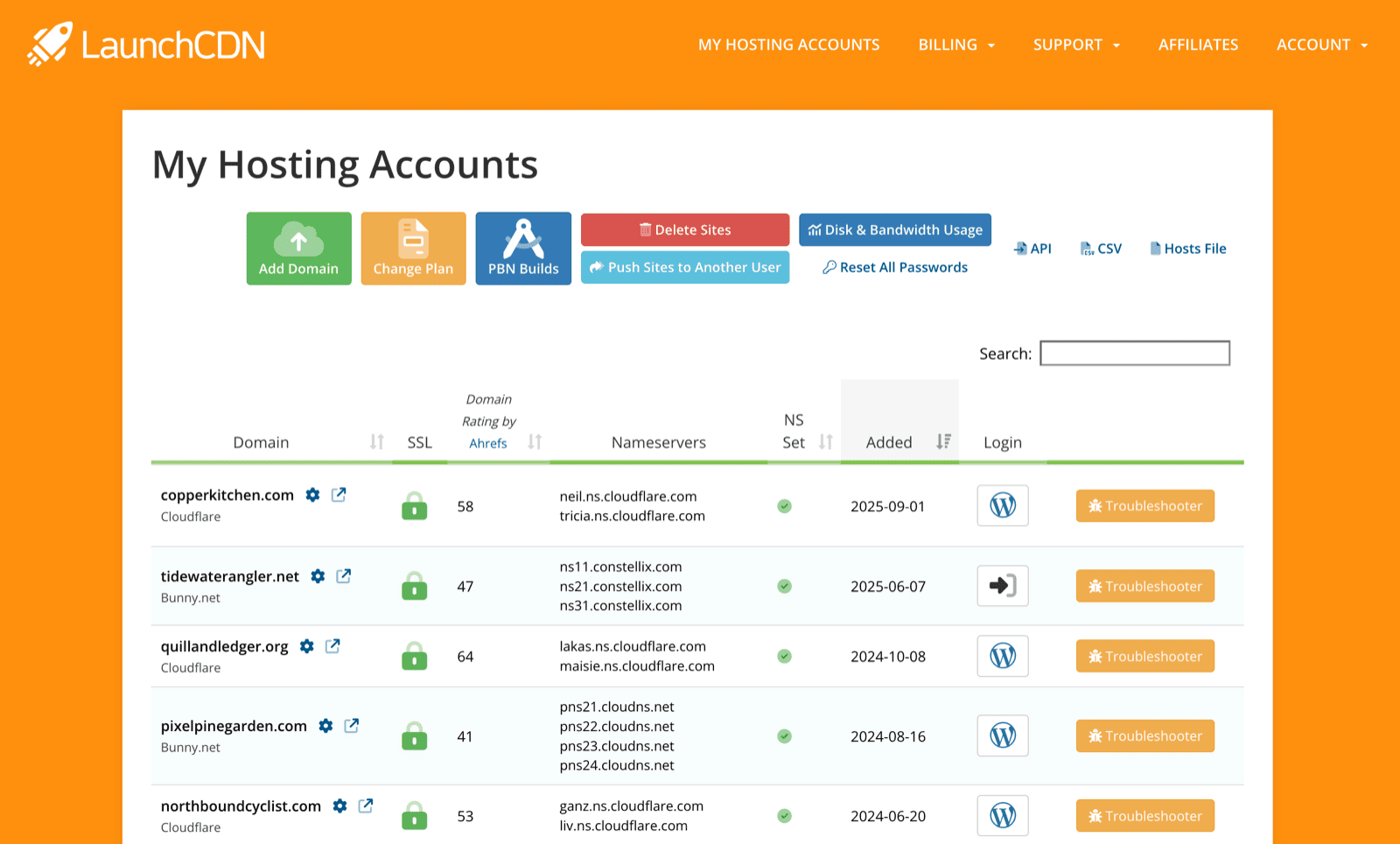
- Sign in to your Dashboard and click Change Plan.
- Choose your new plan. Our billing system works out the unused value of your current plan and the cost of the new plan for the rest of your current billing period, and you pay just the difference.
- Your payment is processed within 5 minutes, and the new domain slots appear in your Dashboard as soon as it clears.
Your billing date stays the same, and your existing domains aren’t affected.
Moving to a Smaller Plan
Downgrades work the same way, through Change Plan. Instead of a charge, the difference between your current plan and the smaller one for the rest of the billing period is credited to your account balance, and used against your future invoices. Make sure you’re using no more domains than the new plan allows before you switch.
